For parents
School life, without the scavenger hunt.
The spirit-day email, the practice change, the registration deadline on page four of a PDF—reply.school pulls your family’s school life into one calm place. Useful the day you open it, whether or not your district has joined yet.
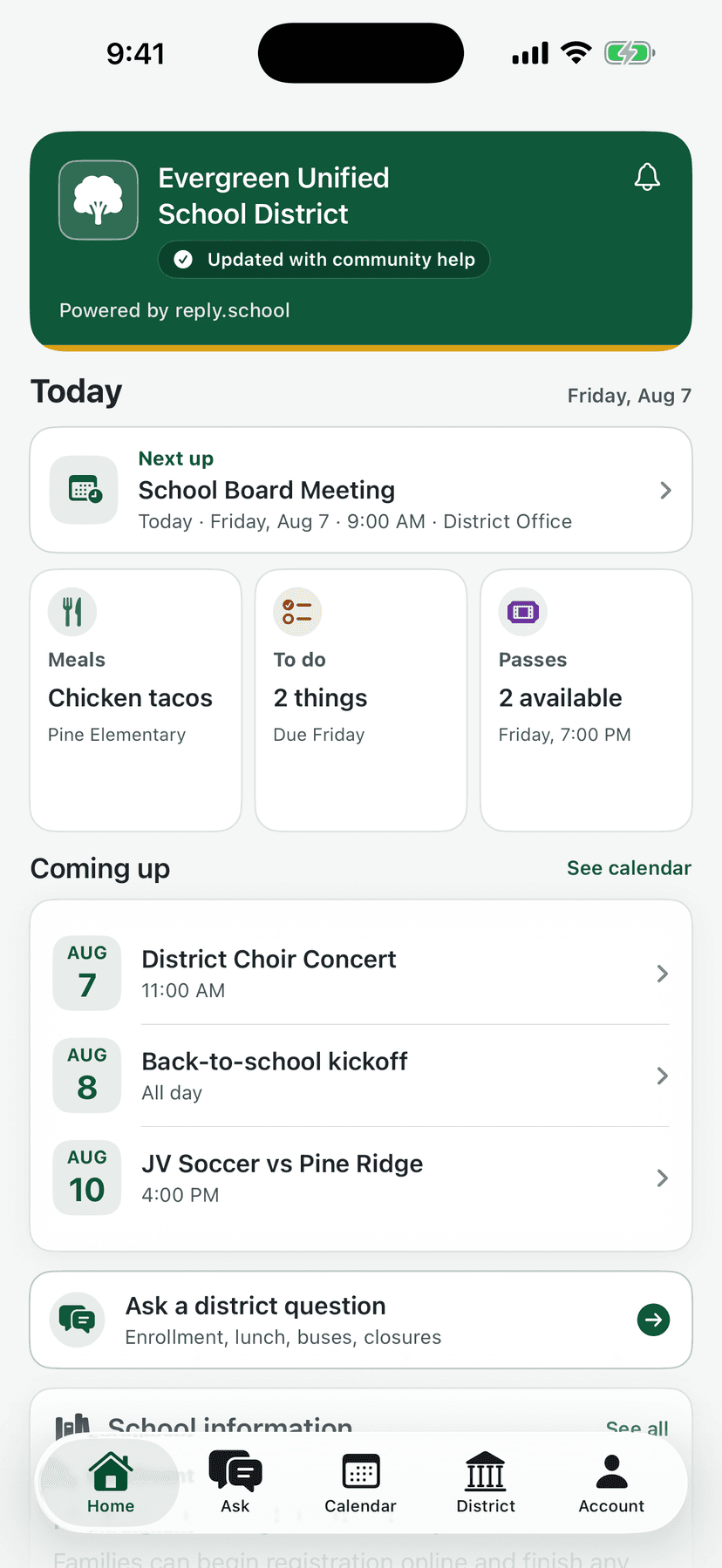
Useful from the first open.
reply.school starts with the public information every family depends on—gathered, organized, and kept fresh for you.
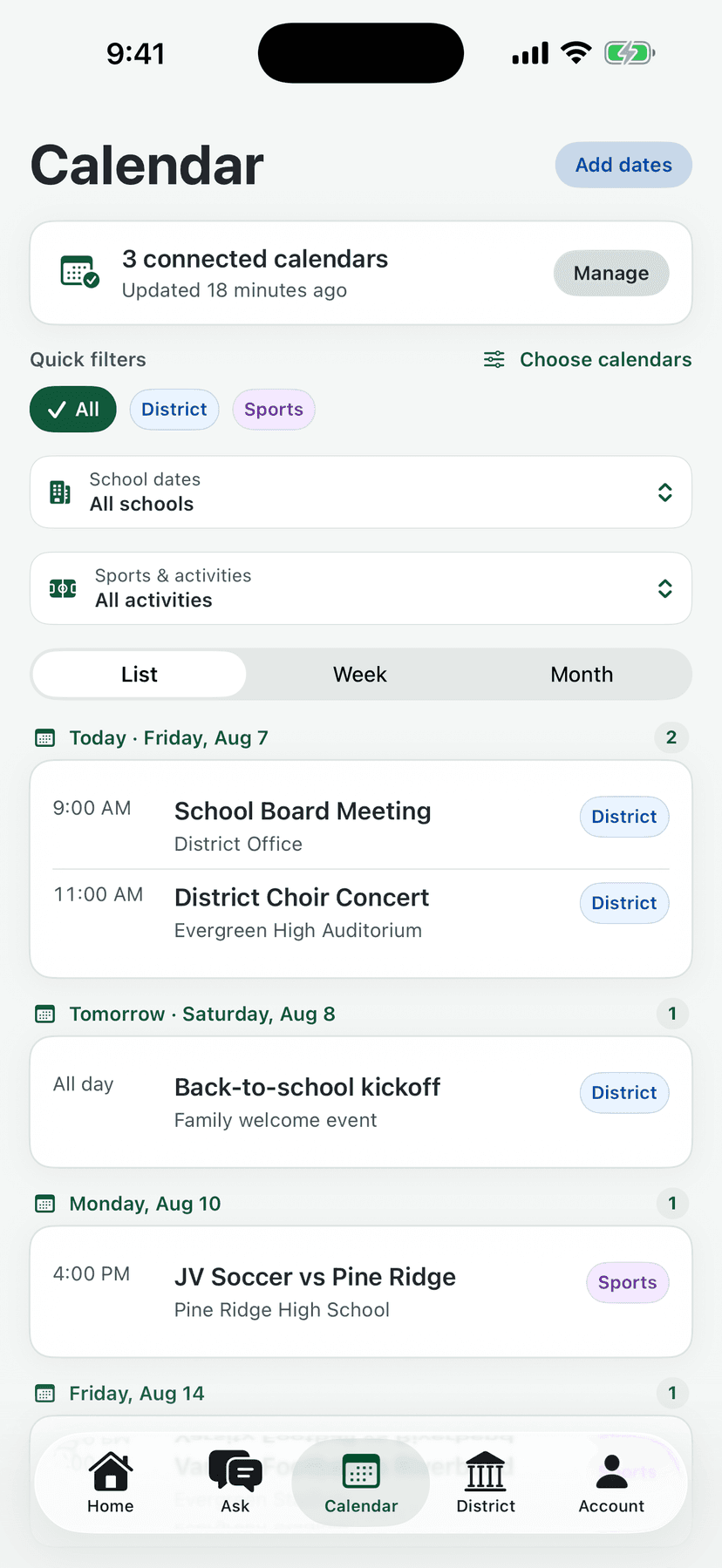
Every calendar, one week
District dates, school events, team schedules, and lunch menus—merged into one agenda you can actually plan around. No more six tabs and a PDF.
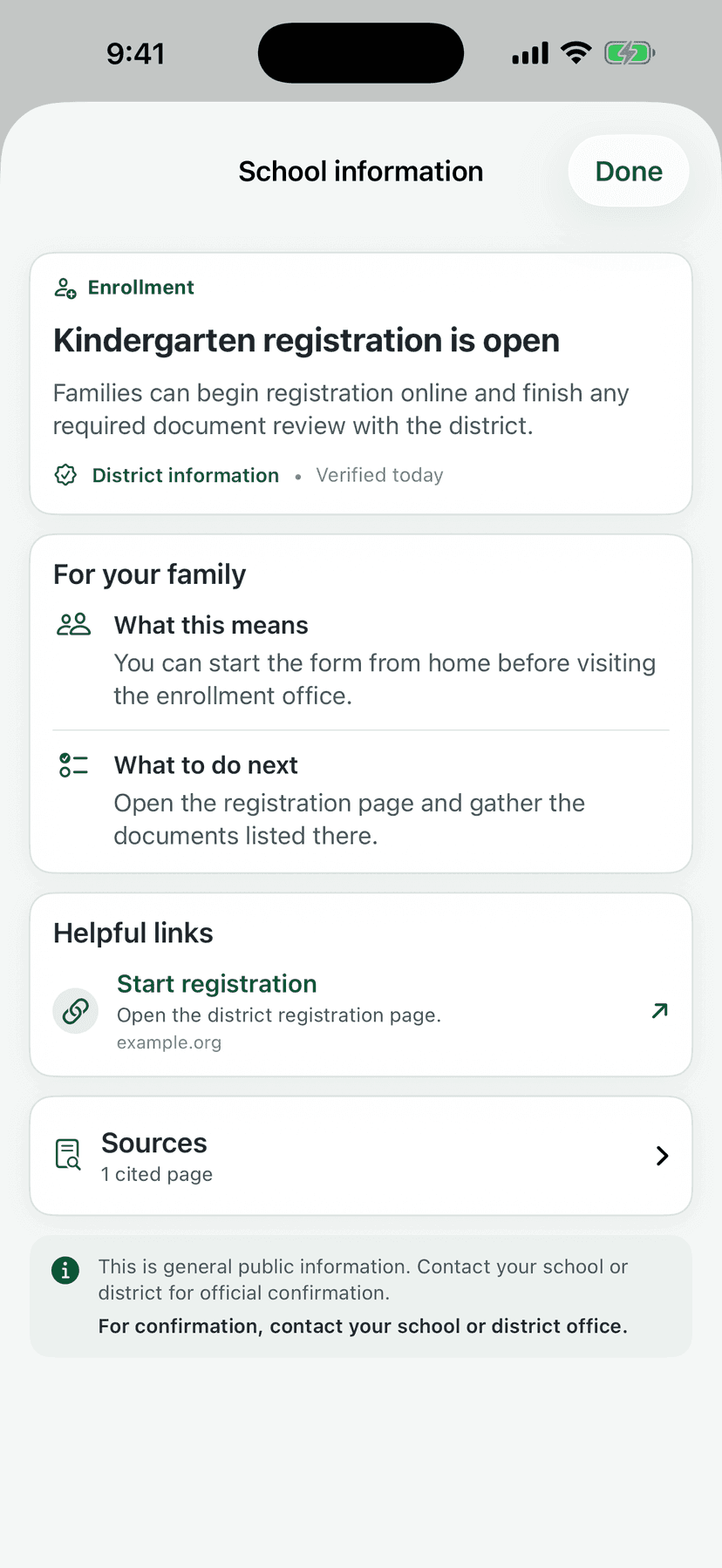
The school facts, findable
Bell schedules, contacts, offices, and quick links for each of your schools—kept current and two taps away, not buried in a website from 2019.
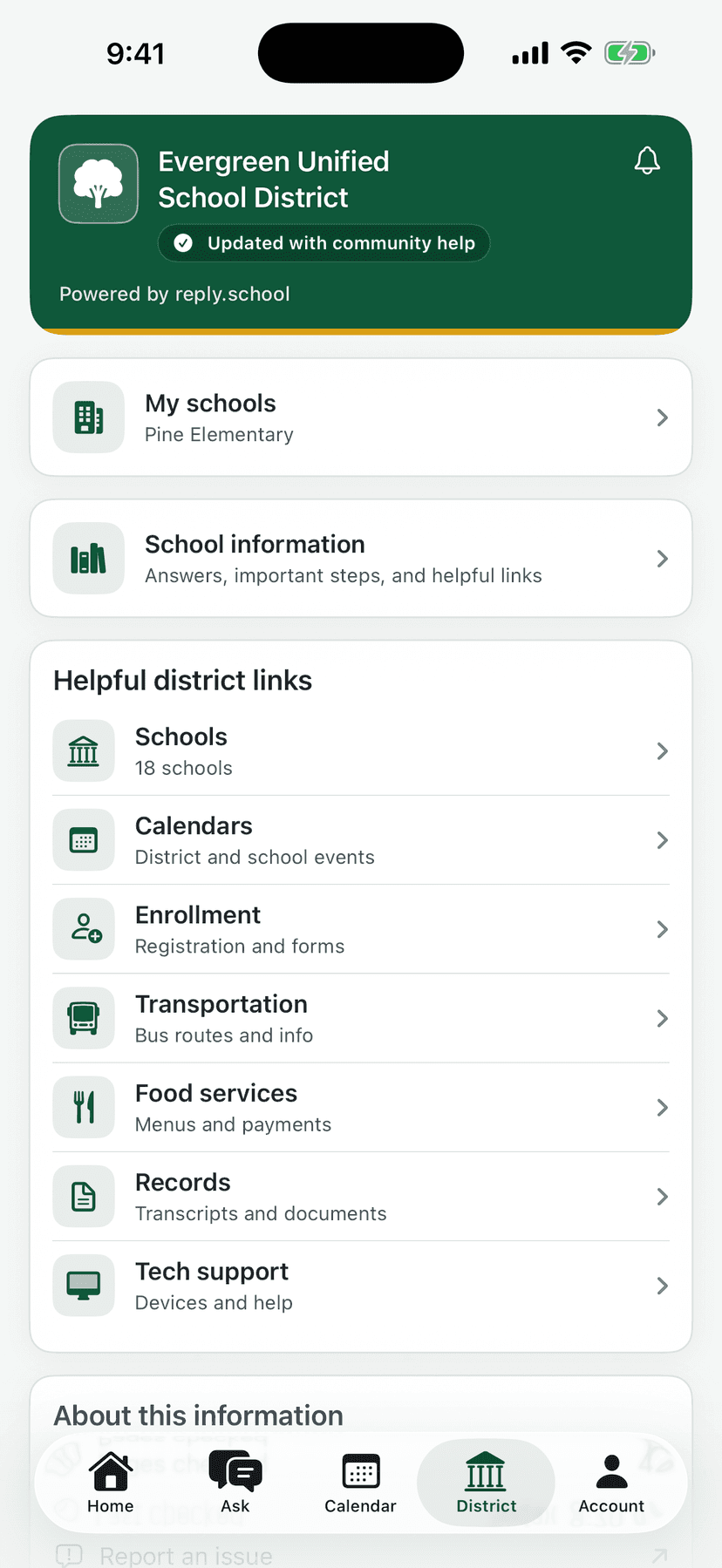
District resources, decoded
Enrollment, transportation, meals, deadlines—organized by what you're trying to do, with the next step attached.
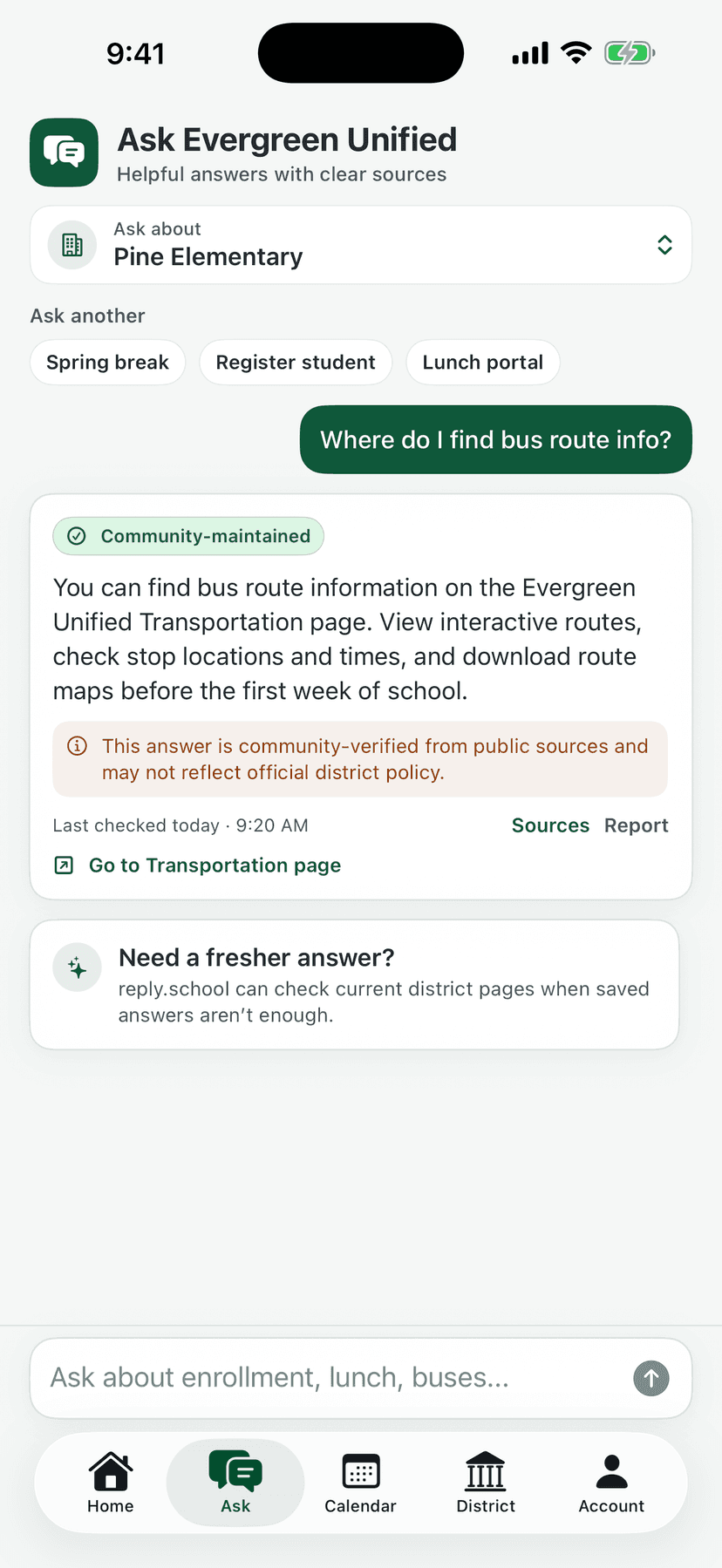
Ask anything
Answers with receipts.
Type the question the way you’d ask another parent in the pickup line. Get the answer the way a careful librarian would give it—sourced, dated, and honest about what it doesn’t know.
Every answer shows its source
Ask about bus routes or early dismissal and you get the answer plus where it came from and when it was last checked.
You can push back
Spot something missing, outdated, or wrong? Report it in a tap. A real pipeline picks it up and the fix reaches every family.
Labels you can trust
Community-supported information is labeled exactly that—never dressed up as district-approved. When your district validates something, you'll see it.
Your family’s version
Follow what matters. Mute what doesn’t.
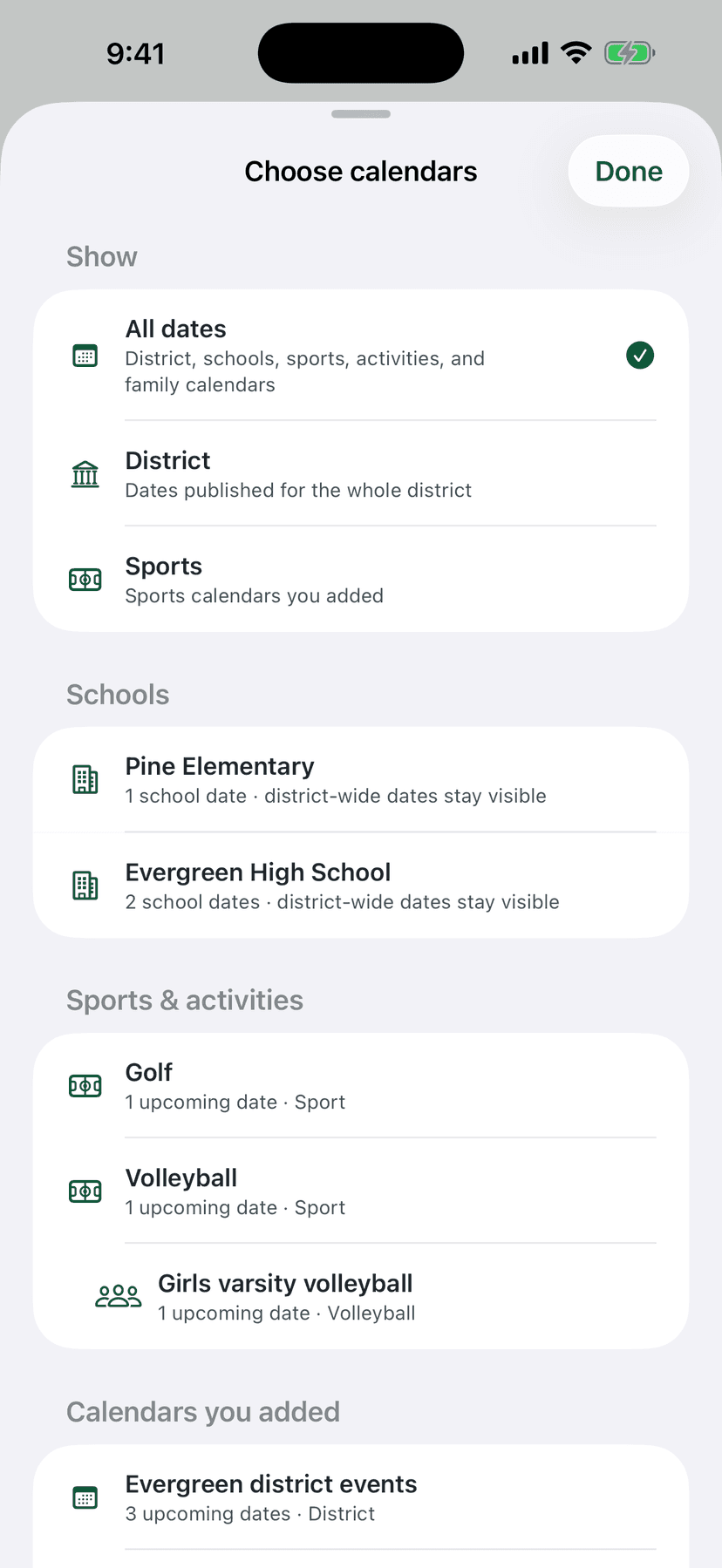
Choose your schools, teams, grades, and activities once, and the whole app reshapes around them. The varsity schedule disappears if your kid plays JV. The elementary lunch menu doesn’t follow your middle schooler around.
- A calendar that only shows your family’s school life
- Follow a team mid-season, drop an activity anytime
- Works for one kid or five, across different schools
When your district joins
The same app becomes your family’s school home.
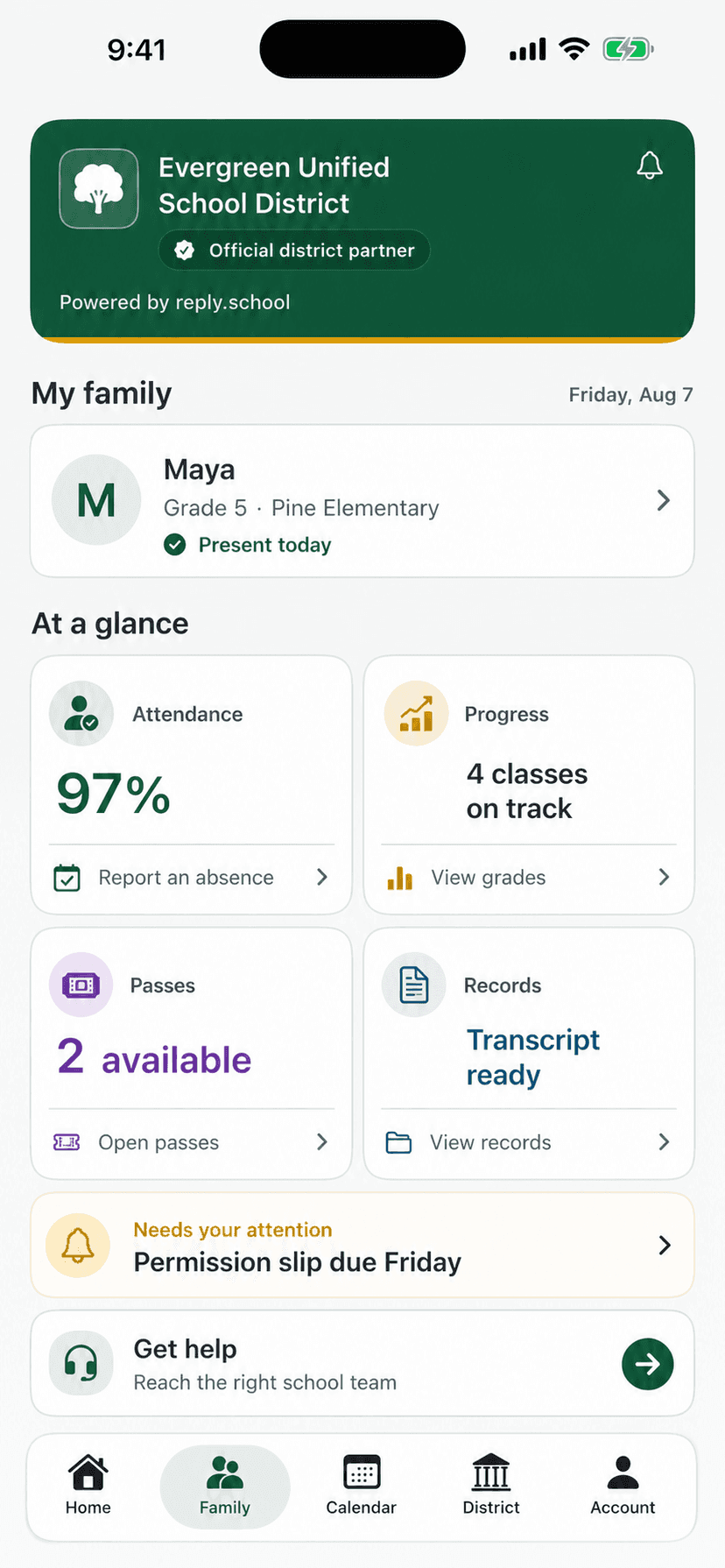
An official district partnership turns good information into real capability—in the app you already know.
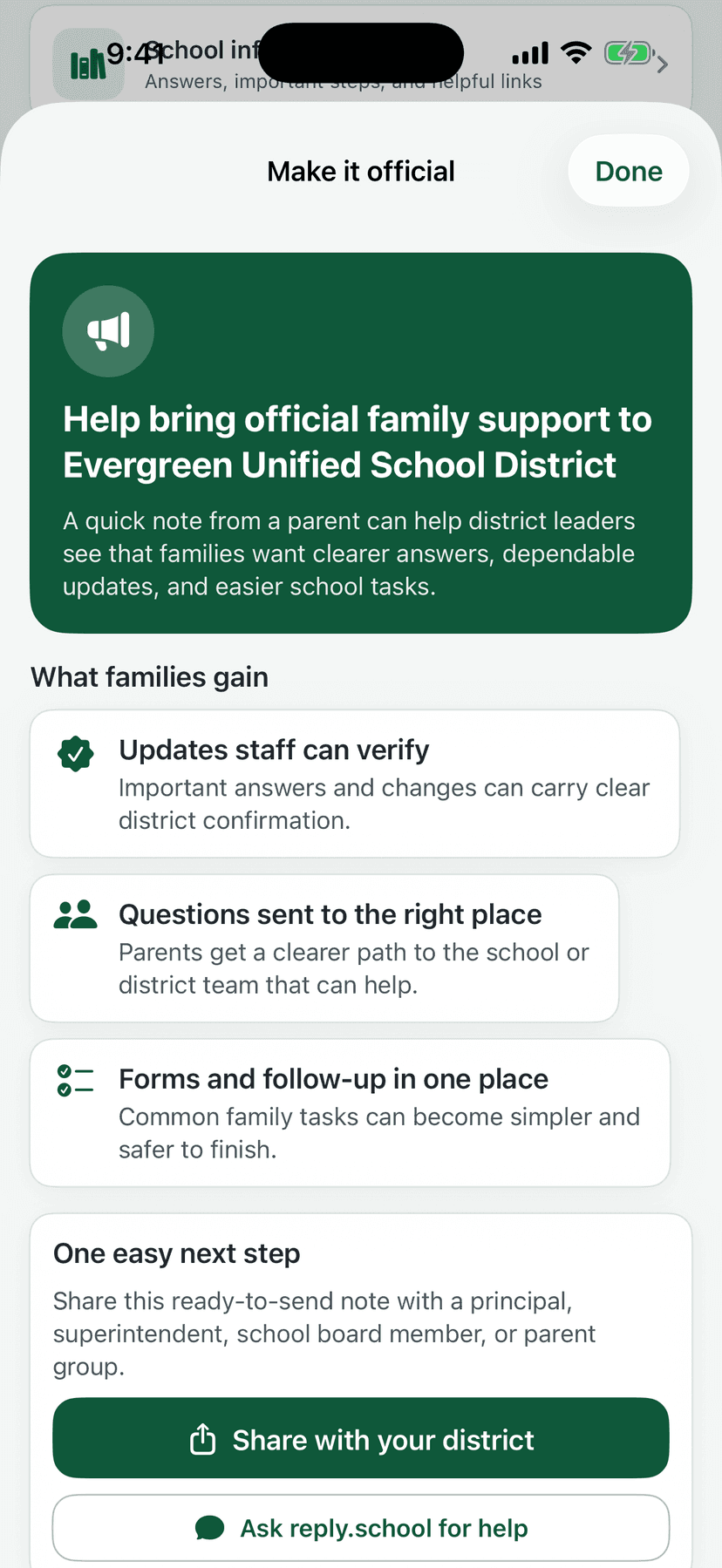
- Validated answers, deadlines, closures, and announcements
- Questions routed to the right school staff, with secure follow-up
- Forms, passes, and school tasks handled in one place
- A private, parent-controlled Family view as your district connects services
Family-connected services arrive as your district authorizes each one—always private, always parent-controlled.
You can be the reason it happens here.
Districts join when families ask. Right inside the app, you can share a ready-to-send note with a principal or superintendent—it’s often how the conversation starts.